
Locations
Every location on the schedule, in one project.
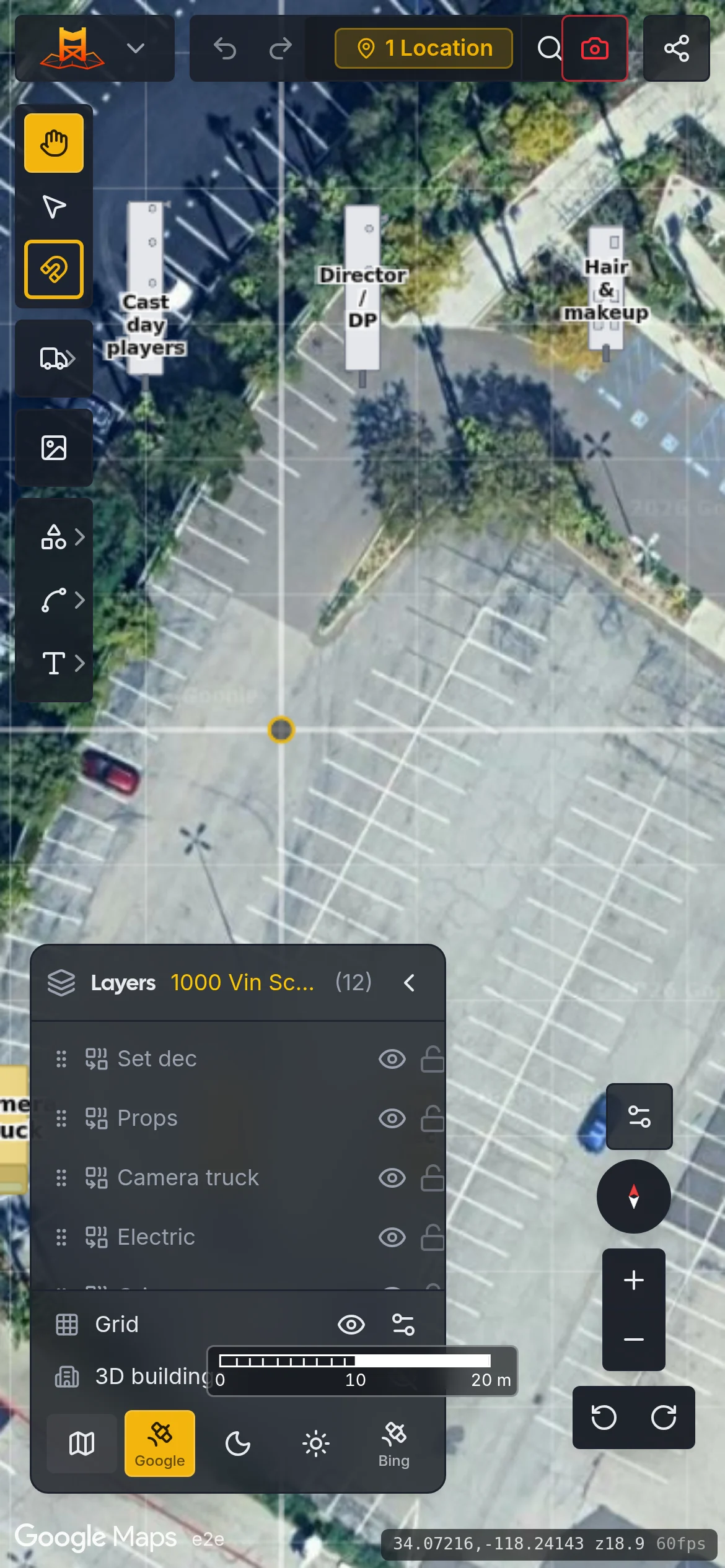
Each location is a circle around an address, with a radius from a quarter mile to five. Satellite loads inside the circles and nowhere else.
See how it works
Lay out crew parking and base camp on real satellite imagery, then print the map and the signs for the lampposts.Lay out crew parking and base camp on real satellite imagery, then hand the crew a map they can read on a lamppost. A screenshot pasted into PowerPoint has no scale, so you learn the star wagon doesn't fit when it pulls in. Here it's drawn at 50 feet, on the pavement it's going to sit on.
Free during the beta. Leave your email and we'll write when a spot opens.
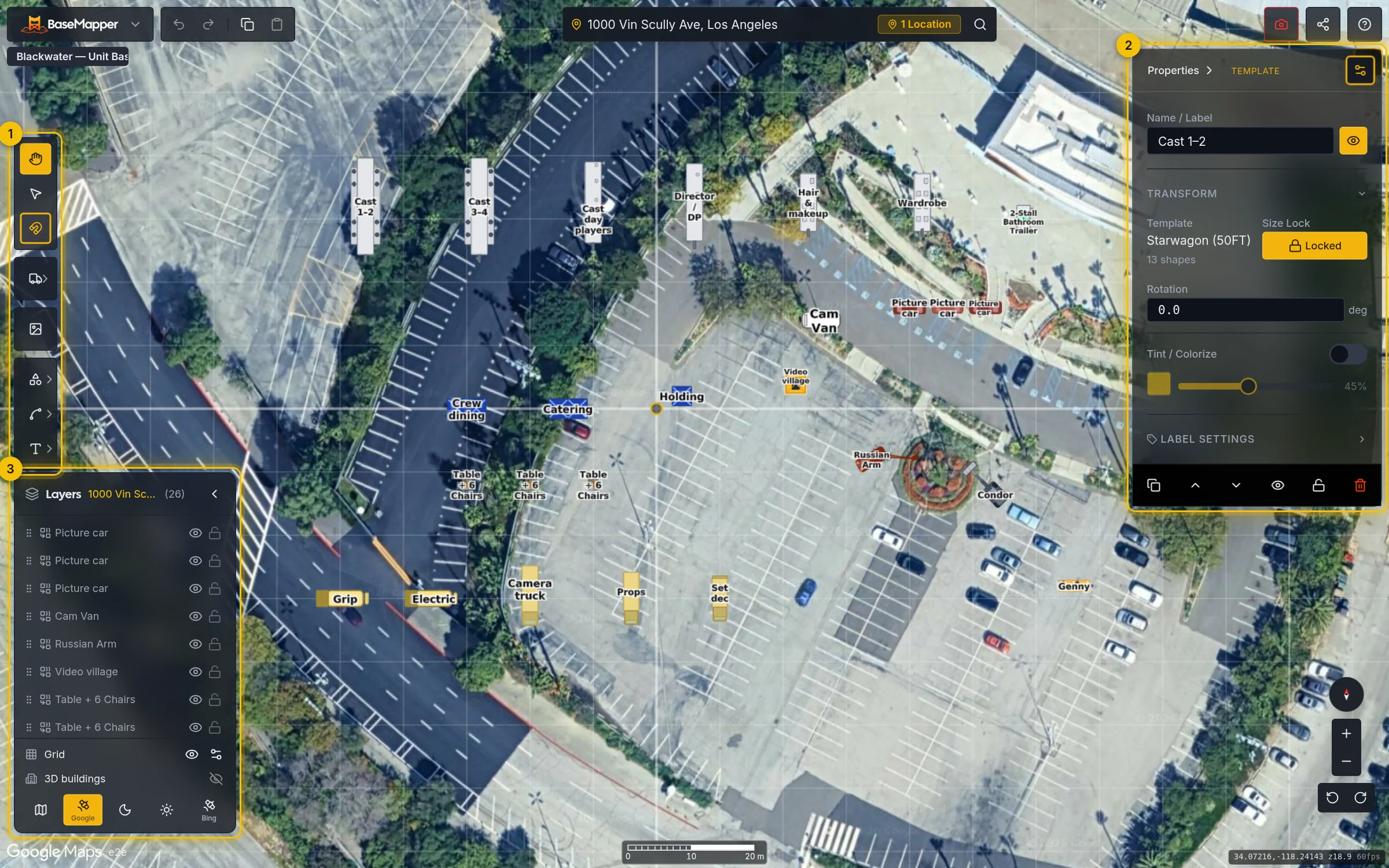
The same shapes the editor places, from the same dimensions. A 50 ft star wagon comes out about three SUVs long.
The parts of the editor a prep week leans on, in the order it reaches for them. Project footprints, sharing and the LocoBase link are on the features page.
Each location is a circle around an address, with a radius from a quarter mile to five. Satellite loads inside the circles and nowhere else.
See how it works44 vehicles, tents and pieces of gear, drawn to scale: star wagons, doubles and triples, a condor, a Russian Arm. The trailer that fits on the plan should fit on the lot.
See how it worksDrag a trailer toward another and its edge finds theirs, with a guide to show which. The grid only catches what nothing else did.
See how it worksFourteen tools, from a parking bay to a boxed label. Shift holds a line straight, Alt drags a copy, and the keys are the ones your hands already know.
See how it worksDrag a box or shift-click to grab a group, then move, tint or delete them together.
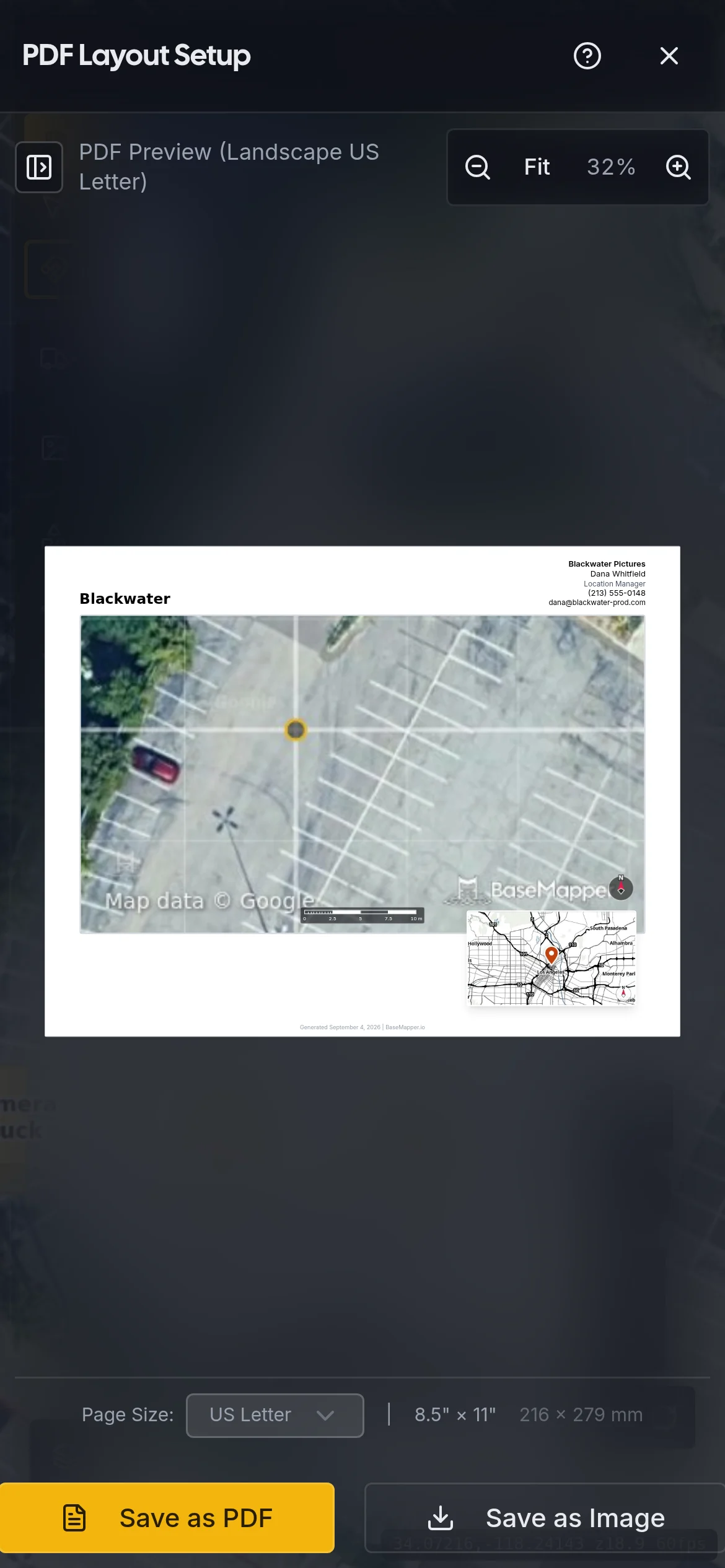
See how it worksFrame the shot, fill in the title and contact, save a landscape PDF. The parking address links to Google Maps.
See how it works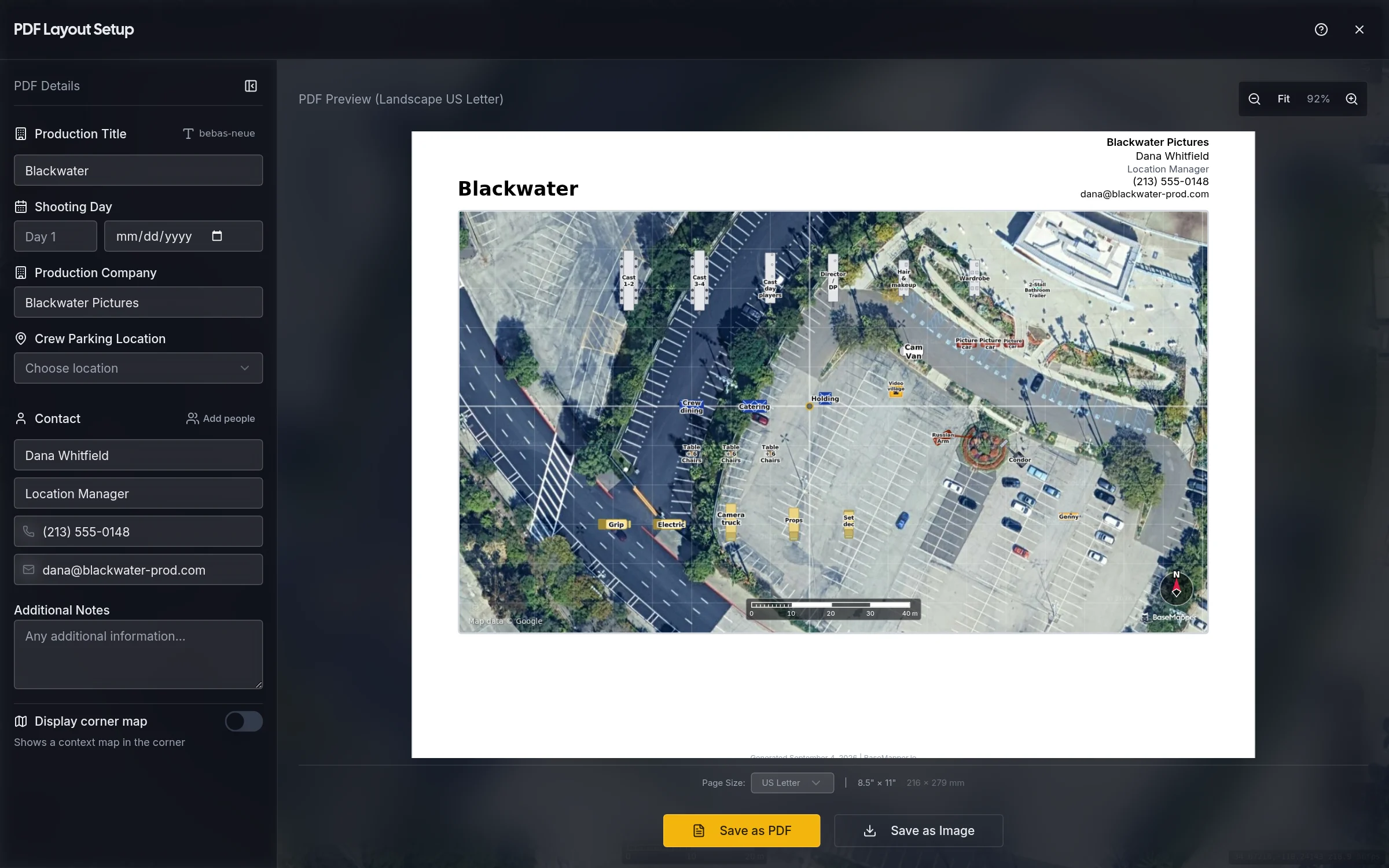
32 presets, vehicle signs from your project footprint, and a fold that reads from both sides.
See how it worksTap the trailer, drag it to where it actually parked. The desktop sees the move in about three seconds.
See how it works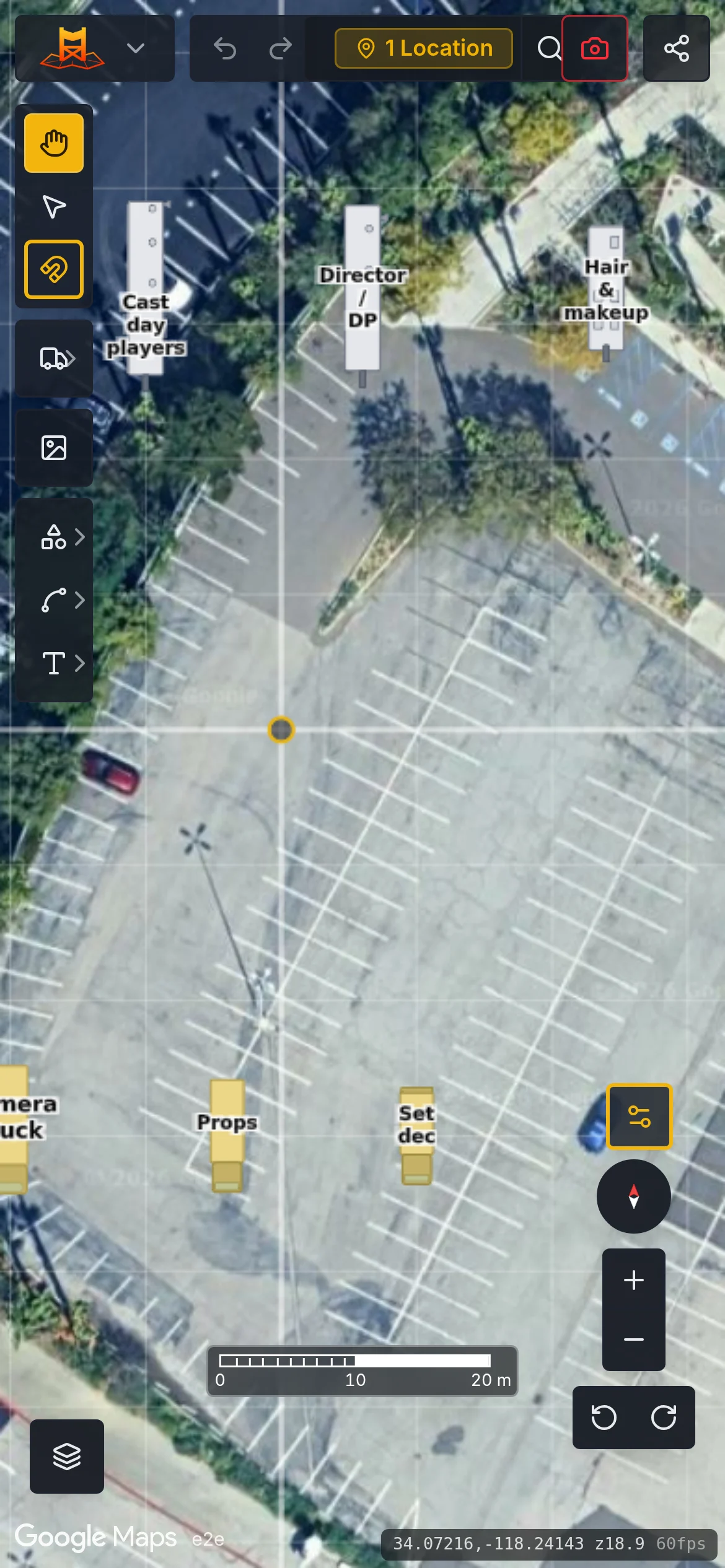
"We used to draw parking maps in PowerPoint the night before scout. BaseMapper is what we use now. It's faster, and the transpo coordinator actually trusts the dimensions."
Sarah M.
Location Manager
"The vehicle templates are the right size and there are enough of them to cover a real base camp. That's harder to get right than it sounds."
Michael R.
UPM
BaseMapper is invite-only while it's in beta, and free to use during it. Leave your email and we'll write when a spot opens.